Customizable, compliant, and intuitive
Simplify Time-Off Management for Your Local and Global Teams
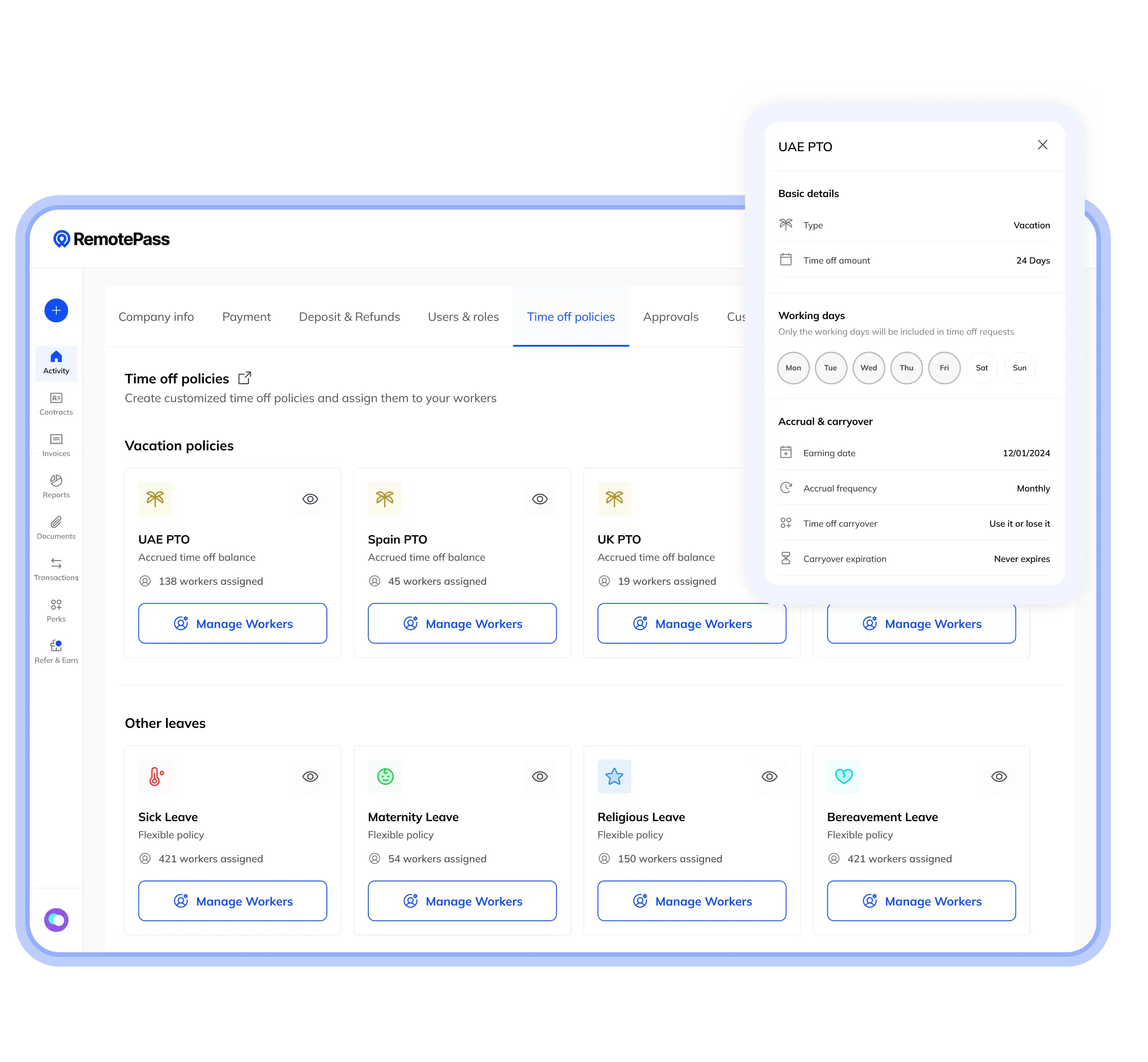
Centralize, manage, and approve time-off requests for your entire workforce with RemotePass.


Simplify Time-Off Management for Your Local and Global Teams
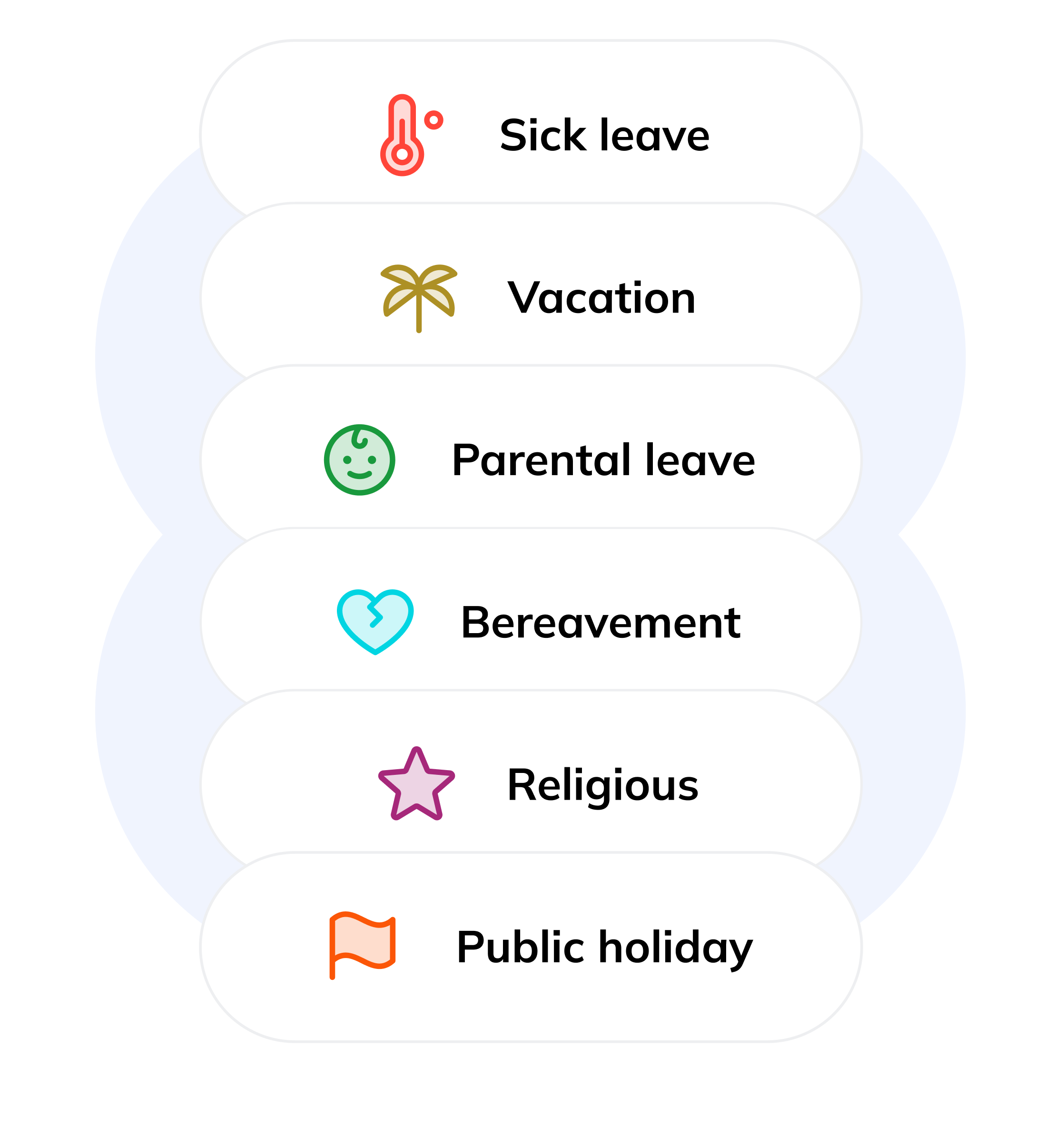
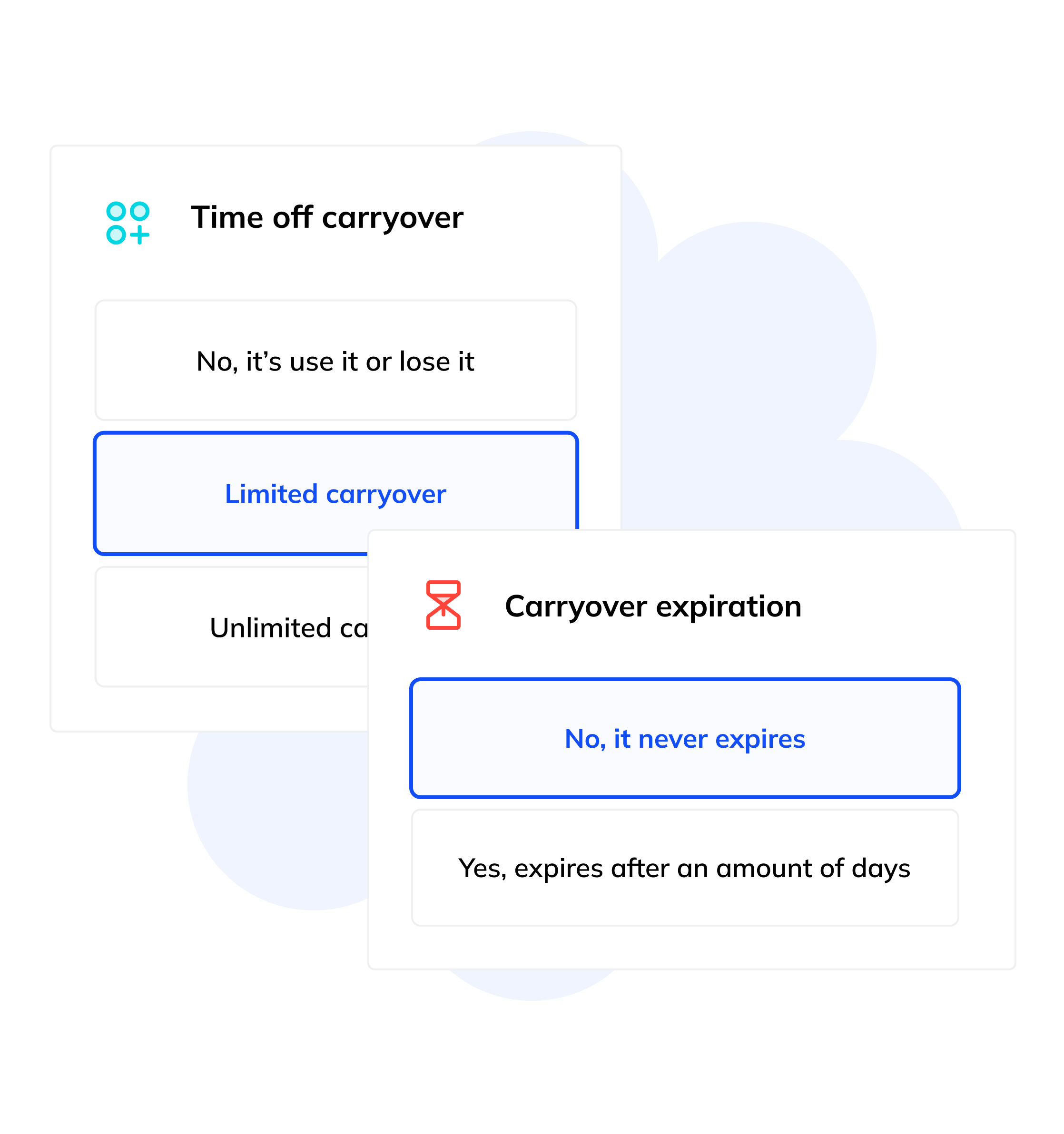
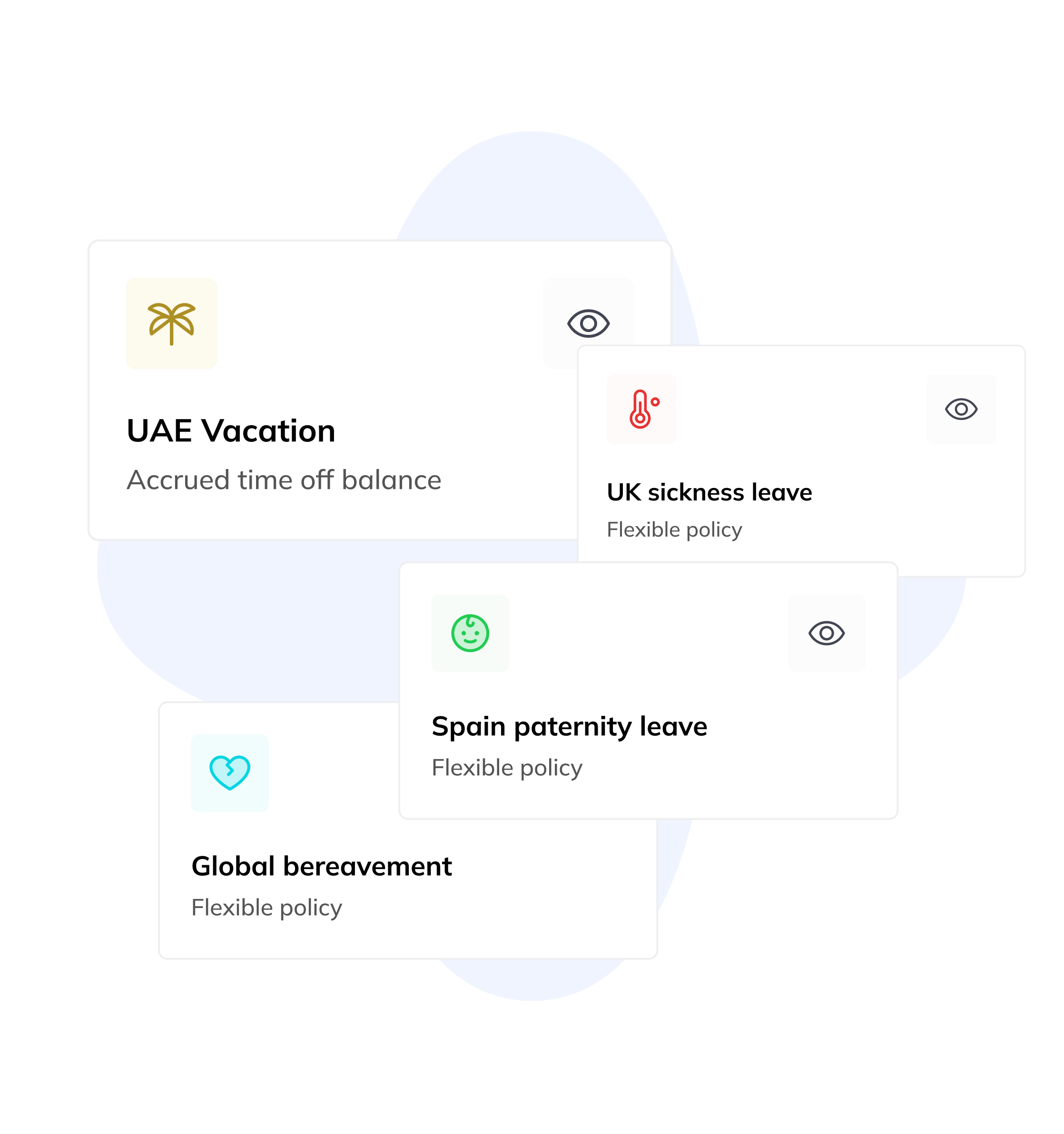

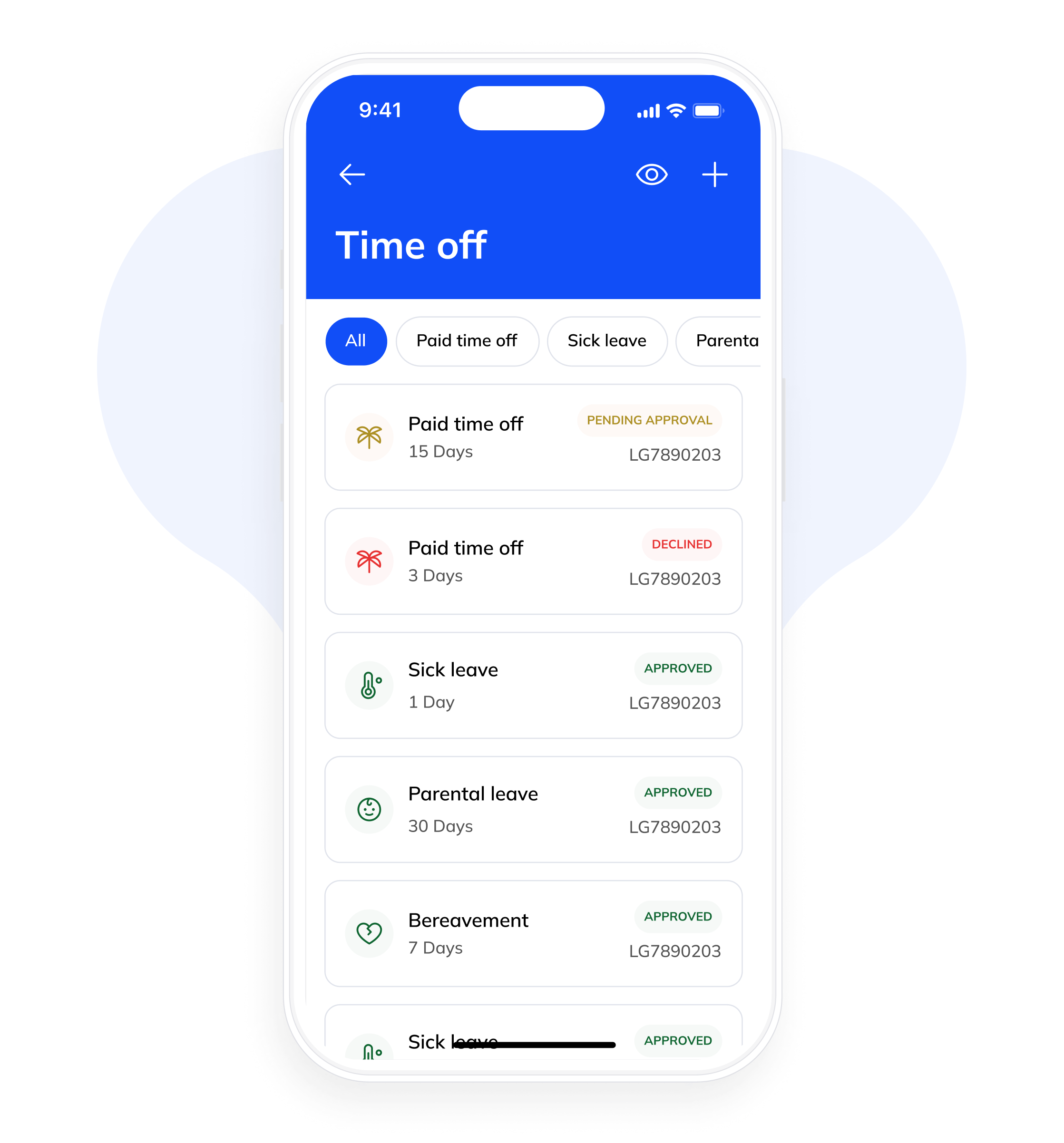



All previous time-off requests and their associated data will be seamlessly migrated to the new time-off policy system. We’ll map existing time-off types to the new policy framework, ensuring a smooth transition.
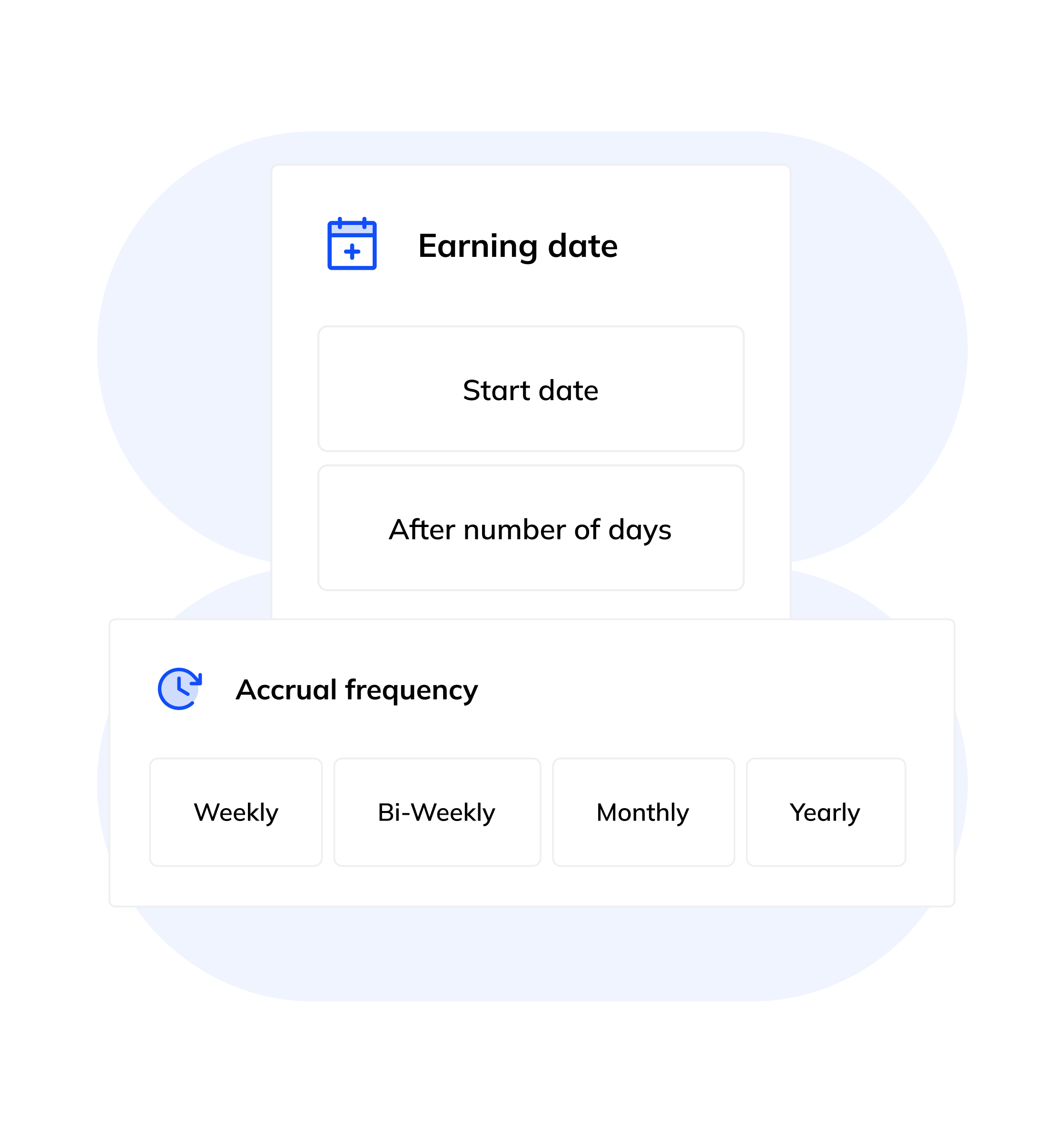
Non-accrued time-off policies are automatically assigned to new contracts for immediate use. For accrued policies, you’ll have the flexibility to manually assign them based on your specific business needs and employee eligibility criteria.
A time-off policy can only be deleted if it’s not currently assigned to any employees and no time off has been taken under that policy. This ensures data integrity and prevents accidental deletions.
To delete a time-off policy, ensure that no employees are associated with it and no time off has been taken under it. Once verified, you can proceed with the deletion process.
If your company policy allows it, accrued vacation days can be carried over to the following calendar year. For example, days accrued in 2024 can be carried over to 2025, with the carryover typically taking effect on January 1st of the new year.
Our system prioritizes the deduction of carried-over vacation days before using newly accrued days. This ensures that employees use their oldest vacation balance first.





“We love the entire system you guys have built, it’s user-friendly and in particular we love the automated notifications part. Employees are automatically informed about the payment status and they receive the payment in a couple of hours after they get notified vs. manually asking us.”


“RemotePass has truly revolutionized our operations, empowering Pemo to effortlessly expand our team across the globe. Its user-friendly interface makes managing payroll a breeze, saving us valuable time and ensuring efficiency in just minutes.”


“RemotePass has been so helpful as it streamlines the payment process to our consultants, with a simple 2 to 3 clicks, the job is done. The most important thing is that it eliminates any compliance risks we might face (and the lengthy verification process).”


“After one demonstration from the team at RemotePass I switched from using an existing supplier, as I get better value and service using this platform.”


“Using RemotePass has been an absolute game-changer for our operations — knowing that we have a reliable partner on our side even in complex regions efficiently (this has previously been a big headache for us), allows our teams to focus exclusively on client service and product delivery.”


“Love it! It has been an essential tool for us, the perks of having everything at the point of my fingers. Using RemotePass has been super efficient. The platform is user-friendly and fast, and communication with customer service is truly a “gold standard”.”


“The customer support team are second to none — always quick to respond, always helping with desire and delivering perhaps some of the best customer service we have ever encountered.”


“RemotePass has hands down been one of the best, most useful and easy to use platforms I’ve worked with in the past few years!”


“RemotePass helped us streamline and manage our remote teams. They understood us as a company and provided us the support and confidence that we are compliant with regulations, our remote teams have excellent support, and that we made the right choice.”


“RemotePass has been a great success partner for Amwal, it truly enabled us to be international talent friendly. Attracting top talent without the hassle of thinking how we would hire and pay abroad.”

“RemotePass has really helped us take the pain out of managing salary payments, contract managements, and admin work with our remote teams. They feel much more in control and more connected because of it.”


“RemotePass has revolutionized our workforce and hiring procedures, enabling us to enhance efficiency and effectiveness in managing everything. It serves as a comprehensive solution that has greatly simplified our operations, making remote work effortless.”


“RemotePass is a game-changer for us. It has made managing our remote teams effortless and has greatly improved the process of hiring, managing and collaborating with our team remotely. Highly recommended.”


“Brilliant service. We love it and we’d be using it for the years to come. Also great customer success management as well!”


“The product has been an incredible game-changer for us as we scaled our team globally. Creating a great first impression when onboarding remote teams. Everything centralized in one place. Love it.”


“RemotePass has been so efficient for us as we have at least 60% of our team being remote. Especially for tracking if everyone has been paid out or if they have reimbursements, we don’t have to manually do it one by one anymore.”


“The support team at RemotePass is incredibly responsive, kind, and helpful. Onboarding new people onto their platform is a breeze.”


“The platform is very smooth, user friendly and best in class. As we onboarded we realized how many more layers the product has. My only regret is we didn’t onboard sooner.”


“We decided on RemotePass because it was simpler. The process, the experience in the dashboard, it seemed simple — with others you have to click in so many places to do one thing.”


“With RemotePass, we can process payments on the same day if needed. Our employees in 13 countries now have access to transparent exchange rates and more withdrawal options.”


“We’ve had zero contractor turnover since we started with RemotePass. The turnover was so high before because of the USD payment issue. RemotePass was a gateway to fix this pain point.”


“We know we have a trusted partner. It’s not just a service you pay for. I consider our CSM, Souha, part of our extended team.”